
Results Contours#
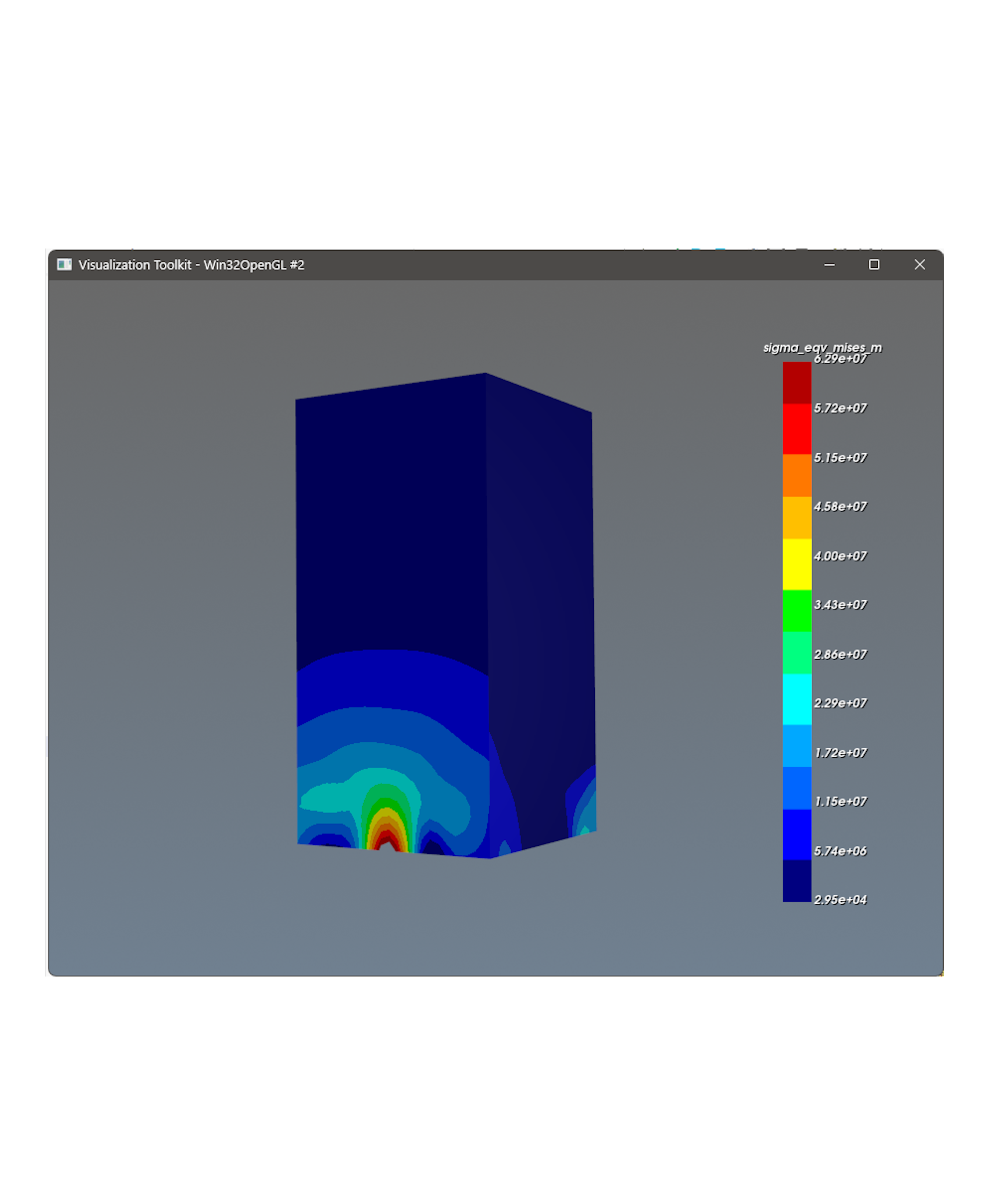
|
In this example we will demonstrate how to:
|
from dlubal.api import rfem
from dlubal.api.common import vtk_visualizer


# Connect to the RFEM application
with rfem.Application() as rfem_app:

    # Get results for specific `result_type` in form of isobands/isolines as DataFrame with VTK polydata
    isoline_lc1_df = rfem_app.get_result_contour(
        results_type=rfem.results.STATIC_ANALYSIS_SURFACES_EQUIVALENT_STRESSES_MISES_MESH_NODES,
        contour_type=rfem.results.settings.CONTOUR_TYPE_ISOBAND,
        filters=[
            rfem.results.ResultsFilter(column_id="loading", filter_expression="LC1"),  # Loading case LC1
            rfem.results.ResultsFilter(column_id="surface_no", filter_expression="6,7,8,9"),  # Surfaces 6 to 9
        ]
    ).data

    # Extract VTK polydata just for specific result magnitude to visualize it
    polydata = vtk_visualizer.get_vtk_polydata(
        df=isoline_lc1_df,
        column_id="sigma_eqv_mises_m"
    )

    # # Access the point data array and scale the stress values from Pa to MPa (divide by 1,000,000)
    # point_data = polydata.GetPointData()
    # stress_array = point_data.GetArray("sigma_eqv_mises_m")  # Get the specific stress array

    # if stress_array:
    #     # Scale all stress values from Pa to MPa
    #     for i in range(stress_array.GetNumberOfTuples()):
    #         stress_value = stress_array.GetTuple1(i)  # Get the stress value in Pa
    #         stress_array.SetTuple1(i, stress_value / 1e6)  # Convert to MPa


    # Display specified VTK polydata using the original color mapping
    vtk_visualizer.display_vtk_polydata(
        polydata=polydata
    )