GeoZone Tool#
A GraphQL API that returns structural load zone data, geographical characteristics, and PDF reports for any coordinates worldwide.
Endpoint:
POST https://api-gateway.dlubal.com/geo-zone/pub/graphql
Capabilities: 8 Queries, 1 Subscription, API Key required
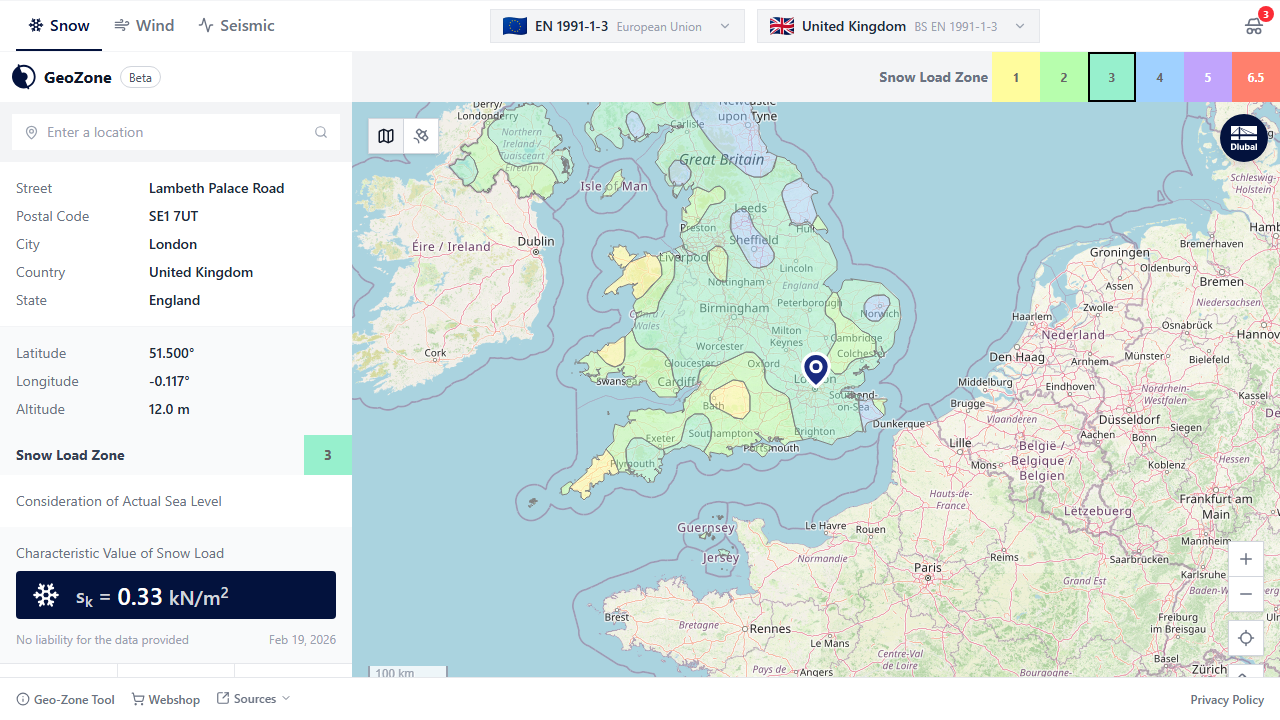
Web Application: The GeoZone Tool is also available as an interactive web application at geo-zone-tool.dlubal.com. Pick any location on the map to instantly view all structural load zone values.
Client SDKs (Python and C#)#
Official client libraries are available for Python and .NET. Both packages wrap the GeoZone Tool GraphQL API and provide typed models for requests and responses.
Python (PyPI)#
Package: dlubal.api.geo-zone-tool. Import path in code: from dlubal.api import geo_zone_tool.
pip install dlubal.api.geo-zone-tool>=0.1.2
from dlubal.api import geo_zone_tool
C# (.NET / NuGet)#
Package: Dlubal.API.GeoZoneTool. The client exposes async methods for API queries and PDF subscription progress.
dotnet add package Dlubal.API.GeoZoneTool
Or in a .csproj file:
<PackageReference Include="Dlubal.API.GeoZoneTool" Version="1.0.16" />
Quick Start#
from dlubal.api import geo_zone_tool

geo_zone = geo_zone_tool.GeoZoneTool("<your-token>")
result = geo_zone.get_load_zone_characteristics(
    address="Munich, Germany",
    load_zone_type=geo_zone_tool.LoadZoneType.SNOW,
    standard="EN 1991-1-3",
    annex="Germany",
    layer_id=1,
    language=geo_zone_tool.Language.EN,
)

print(result)
using GeoZoneTool;
using GeoZoneTool.Models;

using var client = new GeoZone("your-token");

var result = await client.GetLoadZoneCharacteristicsAsync(
    new GetZoneCharacteristicsRequest
    {
        Address = "Munich, Germany",
        Type = LoadzoneTypeEnum.Snow,
        Standard = "EN 1991-1-3",
        Annex = "Germany",
        LayerId = 1,
        Language = LanguageEnum.En
    });

Console.WriteLine(result?.Message ?? "no data");
Authentication#
Most queries require an API key passed as a Bearer token in the Authorization header. Use your DLUBAL_AK_TOKEN as the token value:
Authorization: Bearer DLUBAL_AK_TOKEN
Queries marked Public do not require authentication. All others consume one API credit per request.
API access is limited per account to manage server costs. Free accounts receive a limited number of queries at no charge. Paid packages with 500 or 5,000 queries are available in the Dlubal webshop.